
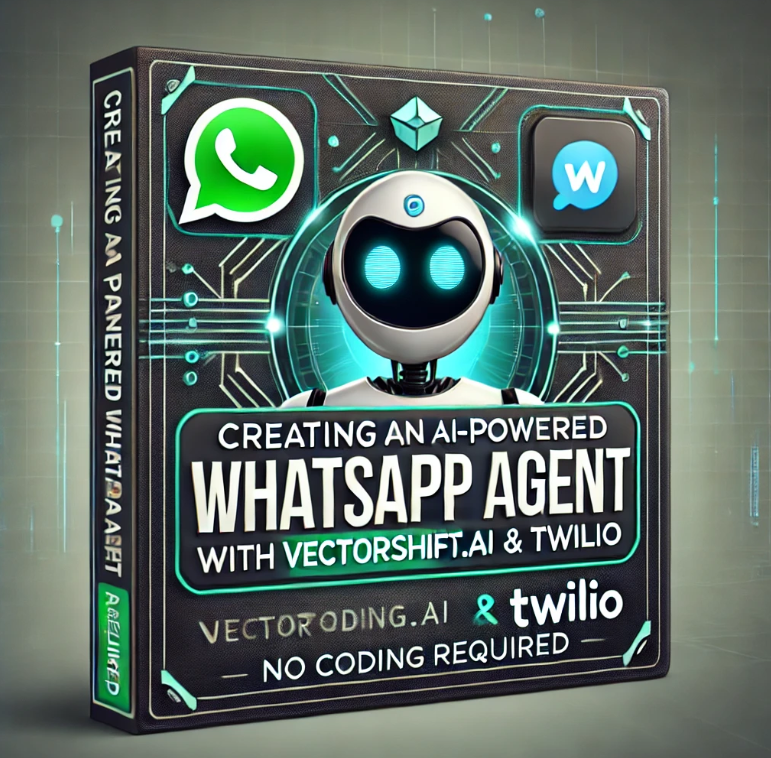
Description
 Course Duration: ~1 hour
Level: Beginner to Intermediate
Format: Video-based with step-by-step walkthroughs
Course Breakdown (1 Hour)
📌 Introduction (5 min)
- What is an AI WhatsApp Agent?
- Why use AI for WhatsApp automation?
- Overview of VectorShift.ai and Twilio
- Use cases (Customer Support, Sales, Lead Gen, etc.)
📌 Setting Up Your Tools (10 min)
- Creating accounts on VectorShift.ai and Twilio
- Understanding Twilio’s WhatsApp API (No coding required setup)
- Setting up a Twilio Sandbox for WhatsApp
- Connecting VectorShift.ai to Twilio using webhooks (Step-by-step UI walkthrough)
📌 Building Your AI Agent in VectorShift.ai (15 min)
- Understanding AI Agents and LLMs
- Creating a custom AI chatbot inside VectorShift.ai
- Training the AI with knowledge sources
- Setting up intents, responses, and context
- Testing AI interactions in VectorShift’s no-code UI
📌 Automating WhatsApp Conversations (15 min)
- Connecting Twilio to VectorShift.ai for automated replies
- Setting up automated responses (e.g., FAQs, lead collection, appointment booking)
- Using rich media (Images, Buttons, Quick Replies) for interactive messaging
- Handling user inputs and dynamic responses
📌 Deploying & Optimizing (10 min)
- Deploying your AI WhatsApp Bot to a real phone number
- Monitoring user conversations in Twilio Console
- Best practices for AI-driven WhatsApp automation
- Ensuring compliance with WhatsApp Business API policies
📌 Final Thoughts & Next Steps (5 min)
- Summary of what we learned
- How to scale your AI chatbot
- Future trends in AI + WhatsApp
- Additional resources for further learning
🎯 Course Outcome:
By the end of this course, learners will be able to: ✅ Set up Twilio WhatsApp API (No coding required)
✅ Build an AI chatbot using VectorShift.ai
✅ Automate WhatsApp conversations for customer support & sales
✅ Deploy and manage their AI agent without coding



Reviews
There are no reviews yet.